
How to Change a Dyson V10 Battery
Run time on a Dyson V10 drops off well before the motor gives up. A replacement pack is a three-screw, ten-minute job you can do on the kitchen bench.
- Phillips #2 screwdriver
- A clean, well-lit work surface
The V10 was built around a bigger pack and a longer run time, which makes the decline more obvious when the cells age — a machine that once ran an hour on low may manage fifteen minutes. The pack is held by three screws and comes away without any wiring work.
Applies to
Dyson V10 and SV12 models with the screw-in battery, including V10 Animal, V10 Absolute, V10 Motorhead and V10 Fluffy.
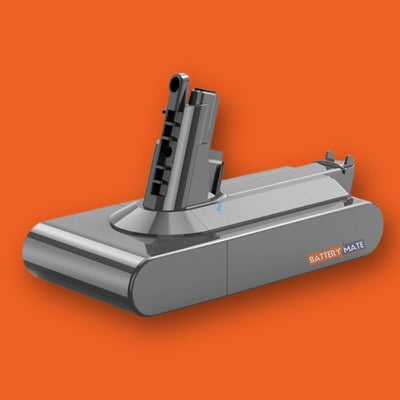
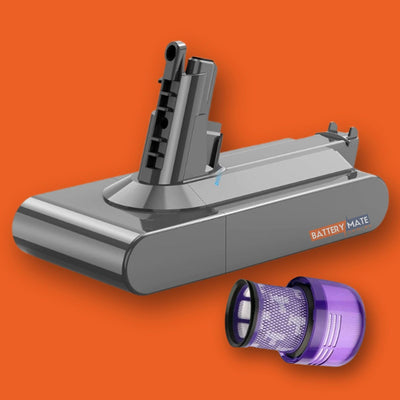
What you are replacing
Three screws hold the pack to the handle — one at the back and two underneath. Support the battery as you remove the final screw.
Independent fitting guide for compatible replacement batteries. Dyson and model names belong to their respective owners.
Step-by-step instructions
Remove the old battery
Unscrew the 3 battery screws — one at the back of the handle and two underneath the battery. Support the battery and pull it straight down and away from the handle.
Install the new battery
Slide the new battery up into the handle until the contacts engage. Put all 3 screws back and tighten gently. Fully charge the battery before first use.