
How to Change a Dyson V6 Battery
If your Dyson V6 only runs for a few minutes, or cuts out under load, the battery is almost always the culprit rather than the motor. Swapping it is a two-screw job that takes about ten minutes.
- Phillips #2 screwdriver
- A clean, well-lit work surface
A tired lithium-ion pack is the single most common reason a V6 gets retired early. Run time drops from around twenty minutes to under five, and the machine may pulse or shut off as soon as you pull the trigger. Fitting a compatible replacement pack restores full run time for a fraction of the cost of a new vacuum.
Applies to
V6 handheld and stick models, including the common model codes SV03 to SV09, plus the DC58, DC59, DC61, DC62 and DC72 Animal series that share the same battery mounting.
What you are replacing
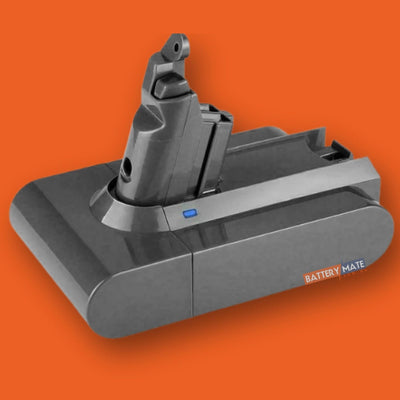
The V6 pack sits in the pistol grip and is held by two screws — one at the back of the handle and one underneath the battery. There are no clips to break and no wiring to unplug.
Independent fitting guide for compatible replacement batteries. Dyson and model names belong to their respective owners.
Step-by-step instructions
Remove the old battery
Remove the clear bin. Unscrew the 2 battery screws — one at the back of the handle and one underneath the battery. Pull the old battery straight down and out of the handle.
Install the new battery
Slide the new battery up into the handle until it seats fully against the contacts. Put the 2 screws back and tighten gently. Refit the clear bin, then fully charge the battery before first use.