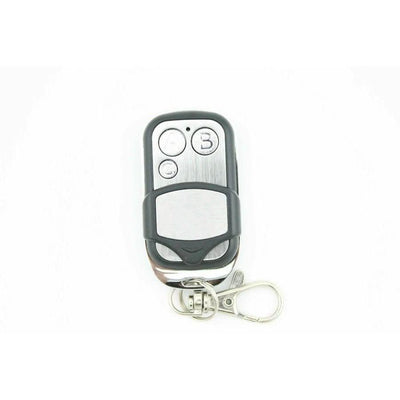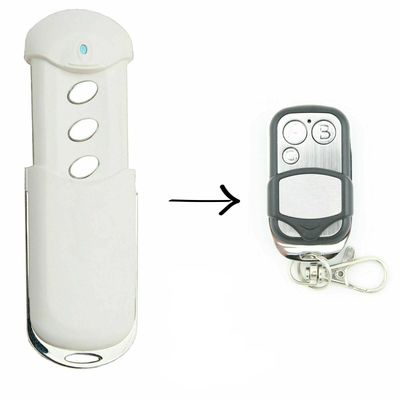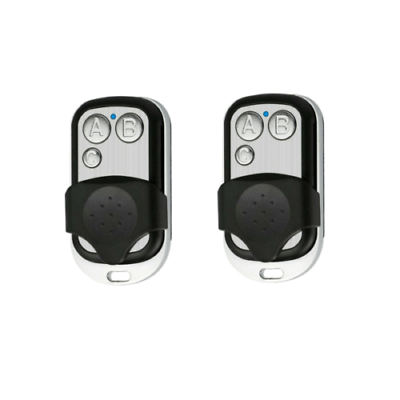

How to Program a Gliderol TM305C / TM-315 Compatible Remote (GRD2000, GTS2000, Rollamatic, Optima)
Coding a compatible Gliderol TM305C or TM-315 remote to a GRD2000, GTS2000, Rollamatic or Optima opener: remove the cover, press the program button and hold button A on the remote until the red light goes out.
- The new compatible remote with its battery fitted
- A step ladder if the motor is ceiling mounted
- Screwdriver if the light cover or wall unit cover is screwed on
Gliderol openers learn a new remote through a program button on the motor's circuit board. The steps are the same for the Rollamatic and Optima ceiling motors and for the GRD wall unit; only the cover you remove is different.
Applies to
Compatible replacement remotes for Gliderol TM305C and TM-315 handsets used with GRD2000, GTS2000, Rollamatic and Optima garage door openers.
Before you start
Unplug the motor before removing any cover, then plug it back in for programming. You have a 5-second window between pressing the program button and holding the remote, so have the remote ready in your other hand.
Independent programming guide for compatible replacement remotes. Brand and model names belong to their respective owners.
Step-by-step instructions
Remove the cover
For a Rollamatic or ceiling motor, remove the light cover from the motor. For a GRD wall unit, remove the cover from the wall-mounted control box.
Find the programming button
Locate the remote programming button on the motor's circuit board. It is a small push button with an LED next to it.
Press the program button once
Press the program button once and immediately release it. A red light comes on next to the button. If no red light appears, you have pressed the wrong button, so try another.
Hold button A or 1 on the new remote
Within 5 seconds, press and hold button A (or button 1) on the new remote. Keep holding until the red light on the motor goes out.
Test and refit the cover
The remote is now coded. Press the button to test the door, then refit the light cover or wall unit cover.